How Box introduced Box Mount on X

Helping devs build the future of intelligent, content-driven apps

What Box launched

BoxSep 8, 2026

We’re introducing Box Mount. Mount a Box folder into a sandbox like @e2b and keep it in two-way sync. The agent reads and writes Box content with standard file operations as if they were local. Every operation flows through the Box API so governance applies automatically, no https://t.co/cSrpCDe0JK
684856K5

Transcript

  1. 0:00Say you're building an agent that runs inside a sandbox.
  2. 0:03It needs to gather documents, run code and tools against them, create new files, and also
  3. 0:09hand the final work back to your team.
  4. 0:11Now, the agent part, that's exciting.
  5. 0:15But moving all the content in and out, that might become its own project.
  6. 0:21You know, with all the downloads, uploads, sync logic, retries.
  7. 0:25That's exactly the problem that BoxSpout is built to solve.
  8. 0:29In short, BoxSpout brings a box folder into the sandbox as a POSIX compatible workspace.
  9. 0:35To the agent, it just looks and feels like a normal file system.
  10. 0:39Meaning, it can use familiar libraries, command line tools, and agent frameworks.
  11. 0:44So beyond just retrieving some context, BoxSpout is for workflows where documents
  12. 0:49really become part of the agent's working environment.
  13. 0:52What you get is infrastructure built for developers creating sandboxed agent workflows.
  14. 0:57So, to show you what it looks like, I put the small contract review app powered by BoxSpout.
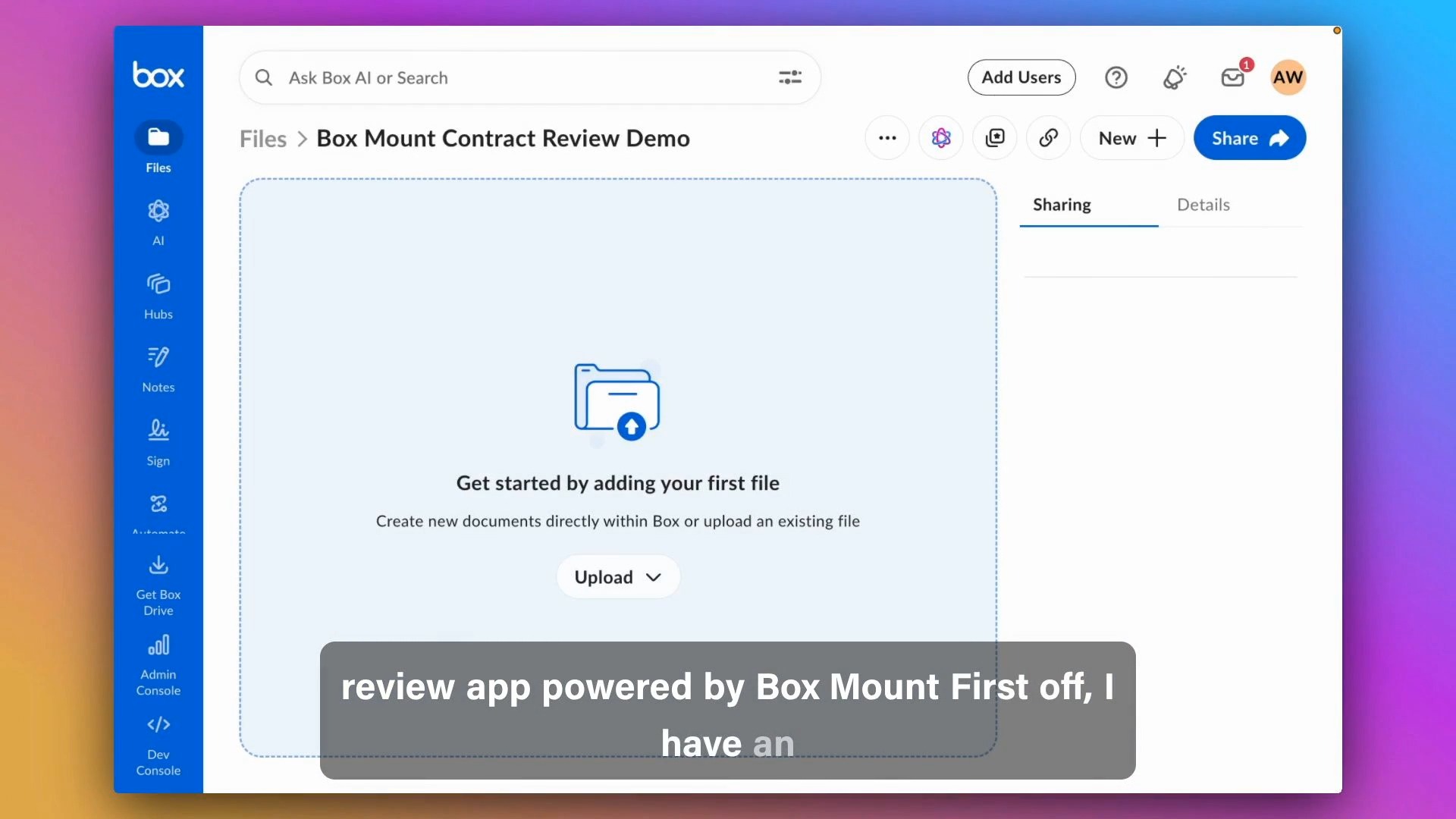
  15. 1:03First off, I have an empty box folder, and locally, I have a sample MSA.
  16. 1:11Alongside that, I also have the legal team's approved playbook.
  17. 1:16First, we're going to see that workspace in the box.
  18. 1:20After that, that's going to create an ADB sandbox and bring
  19. 1:23the box content into the agent's working environment.
  20. 1:26The agent's going to review the agreement against a playbook and synchronize the finished review
  21. 1:30back to Box for the team to review. Let's check it out.
  22. 1:34We'll start with a setup check.
  23. 1:39This validates my box and ADB access, the sample files, the BoxMount library, and my selected AI provider.
  24. 1:47In this case, I'm going to be using an agent from OpenAI.
  25. 1:50Next, let's go ahead and seed the workspace.
  26. 1:56This sample app uses BoxMount inside a temporary workspace to synchronize
  27. 2:02the agreement and playbook in the box.
  28. 2:05Just double-check, here they are.
  29. 2:08The files are in box and our workspace is ready.
  30. 2:12Finally, let's start the review.
  31. 2:19The app creates a fresh ADB sandbox, installs BoxMount, and mounts the box folder into that environment.
  32. 2:27The agent then reads the agreement and playbook, creates a review memo, and
  33. 2:32saves it into the mounted workspace.
  34. 2:35Just to emphasize, for this run, I've configured an OpenAI agent inside ADB.
  35. 2:40If I didn't provide a key and just kept it blank, this app's going to use BoxAI by default.
  36. 2:46Back in Box, we're assigned a review task.
  37. 2:52Essentially, what we just saw is an agent doing the first pass on MSA,
  38. 2:57then handing the result back to a human.
  39. 3:00On that report, we have the risks that I found, suggested changes, and also
  40. 3:08the questions that still need human judgment.
  41. 3:11Here's the same workspace inside ADB.
  42. 3:16To the agent, it just looks like a normal file system.
  43. 3:22BoxMount provides a workspace and keeps it synchronized with Box.
  44. 3:27For example, let's go ahead and add a quick note in Box and save it.
  45. 3:37Then, if we go back to ADB, there it is.
  46. 3:43Changes synchronize in both directions, so the agent can pick up where the human left off.
  47. 3:49Now, the best part, because this runs in a sandbox, I can add other scripts,
  48. 3:56libraries, and command line tools.
  49. 3:58I could also swap in another agent framework or give multiple agents separate environments.
  50. 4:04Again, BoxMount provides a content workspace, but what runs inside it is always up to the developer.
  51. 4:11Now that we saw this in action, let's check out how the sample app is built out of the hood.
  52. 4:16Here, the app creates an ADB sandbox and passes in credentials and AI configurations
  53. 4:22that are needed for this run.
  54. 4:23Basically, each agent gets an isolated environment where it can run its own code and tools.
  55. 4:30Next up, this runs the BoxMount command inside ADB and mounts a selected Box folder into the sandbox.
  56. 4:38This way, Box content becomes a familiar file system workspace for the agent.
  57. 4:44After that, the agent reads the agreement and playbook using normal node file tools.
  58. 4:51The takeaway here is that developers don't need to build a separate download and upload step
  59. 4:56for every file the agent touches.
  60. 4:58Finally, we can always inspect a live mount at any time.
  61. 5:04Then, when we're done, we can always run a teardown, which performs the final sync,
  62. 5:14unmounts the folder, and destroys the sandbox.
  63. 5:17Keep in mind that everything that's synchronized to Box stays there.
  64. 5:21BoxMount is currently in private preview.
  65. 5:24If you're building or starting to explore agent workflows that run in sandboxes and work with Box content,
  66. 5:30we'd love to hear what you're building.
  67. 5:32Check out the link to sign up and request preview access.
  68. 5:34Till then, I'm Andrew. See you next time.

How LaunchVideo.com rated the launch

LaunchVideo.com rating

2.00
Hook
Editing / Creativity
Copy
Sentiment of launch
Distribution strategy

How the launch performed

56K
views on X
#1257
of 1784 launches we track
0.3x
the 193K median launch

What this launch shows

Views for the Box launch compared with median views in the directory
Views compared with directory medians
GroupViews
Box, this launch56,383
APIs & SDKs launches, median across 29 launches146,507
Every launch, median across 1784 launches193,327.5

Box reached 56K views, 0.3 times the directory median of 193K, ranking 1257 of 1784 launches we track. Among APIs & SDKs launches it ranks 23 of 29, 0.4 times that group's median.

Replies ran at 1.1 per 10,000 views, well below the 3.9 median. Bookmarks came in at 0.9 per 10,000 views against a median of 15.3. There was one bookmark for every 9.6 likes.

It went out on a Tuesday.

About the launch

Box Mount is a developer tool from Box that gives sandboxed AI agents a working file system backed by a Box folder. A developer provisions an agent sandbox, brings Box content into that environment, and returns the agent's work to Box. The launch is aimed at teams building agent workflows in runtimes like E2B, where the pain of writing custom download, upload, retry, and conflict logic around every document tends to eat more time than the agent itself. Under the hood, Box Mount gives an agent sandbox a POSIX-compatible Box workspace, allowing code and tools inside the sandbox to work with Box content through familiar file paths , with synchronization running in both directions so a person editing a file in Box and an agent writing to the mounted path stay in the same working copy. Because reads and writes flow through the Box API, Box continues to provide the content layer, including permissions, versions, classifications, retention, Shield protections, and audit history , which matters for teams that cannot ship agents that bypass enterprise governance. The design is framework agnostic, so an OpenAI agent, an Anthropic agent, LangGraph, CrewAI, a Python script, or a CLI tool can operate against the same mounted directory. The launch ships with a reference implementation, a contract-review app that mounts a Box folder into an E2B sandbox, runs an agent against an MSA and an approved playbook, writes a review memo back to Box, and assigns a task to a human reviewer. Box Mount is currently in private preview, and the demo and accompanying write-up were put together by Andrew Wong, a developer advocate at Box, for developers exploring document-heavy agent patterns like RFP drafting, deal-room analysis, and compliance review.

Tags

Developer toolsAPIs & SDKsPublic<500KB2D (developers)Product launchExplainerGlobal

Ask AI about Box

Questions

Frequently asked questions

The Box launch post reached 56K views on X, with 48 likes, 8 reposts, 6 comments, 5 bookmarks.

Box launched on X on September 8, 2026 with the message "Helping devs build the future of intelligent, content-driven apps".

Box Mount is a developer tool from Box that gives sandboxed AI agents a working file system backed by a Box folder.

LaunchVideo.com rated the Box launch 2.00 out of 5: hook 1/5, editing / creativity 2/5, copy 2/5, sentiment of launch 3/5, distribution strategy 2/5.